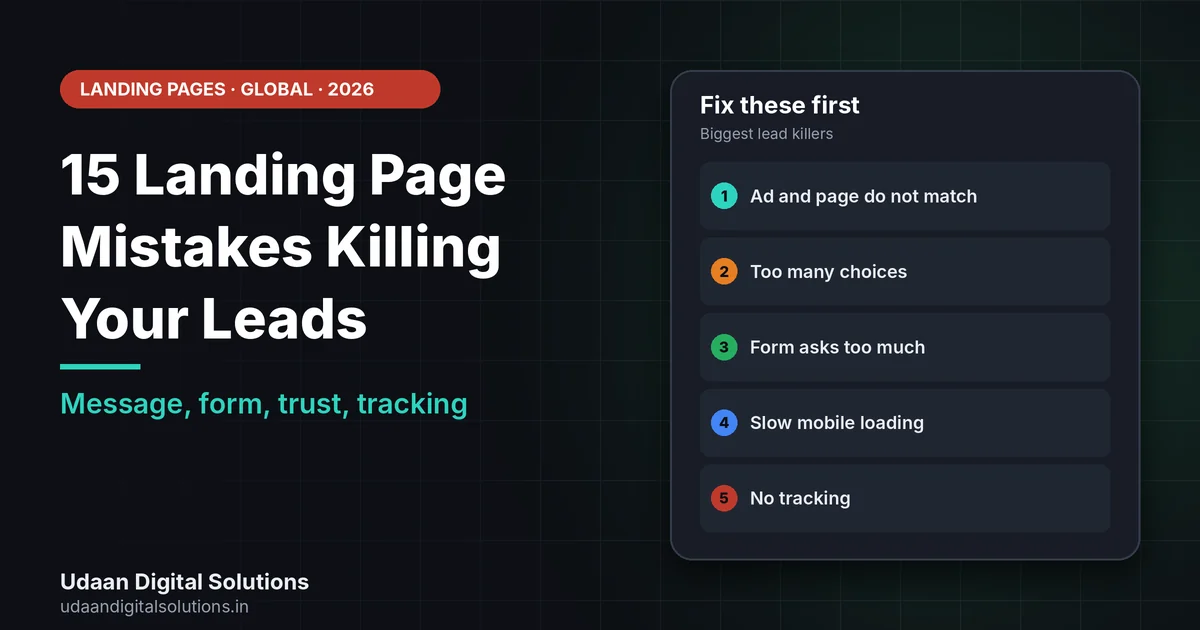
Landing page mistakes that kill leads are usually simple: the page does not match the ad, the offer is vague, there are too many choices, the form asks too much, mobile loading is slow and nothing proves you are real. Fix the message match and one clear action first, then speed, proof and tracking.
Your ads or posts bring visitors, but few become enquiries. This guide lists 15 landing page mistakes that kill leads, explains the cost of each, and gives a fix you can test, using Google’s own guidance on landing page experience and speed.
What does Google say about landing page experience?
Google Ads describes landing page experience as one of three Quality Score components: how relevant and useful your landing page is to people who click your ad. Each component is rated above average, average or below average against other advertisers whose ads showed for the same search over the last 90 days. Google also says Quality Score is a diagnostic tool, not a key performance indicator or an auction input.
So treat that rating as a clue, not a target. A page that is relevant and useful to the visitor is the real goal. Most landing page mistakes break that goal in one of three ways: the message does not match, the next step is unclear or the page is hard to use on a phone.
On speed, Google’s web.dev calls a Largest Contentful Paint of 2.5 seconds or less good, with Interaction to Next Paint at 200 milliseconds or less and Cumulative Layout Shift at 0.1 or less, judged at the 75th percentile of visits.
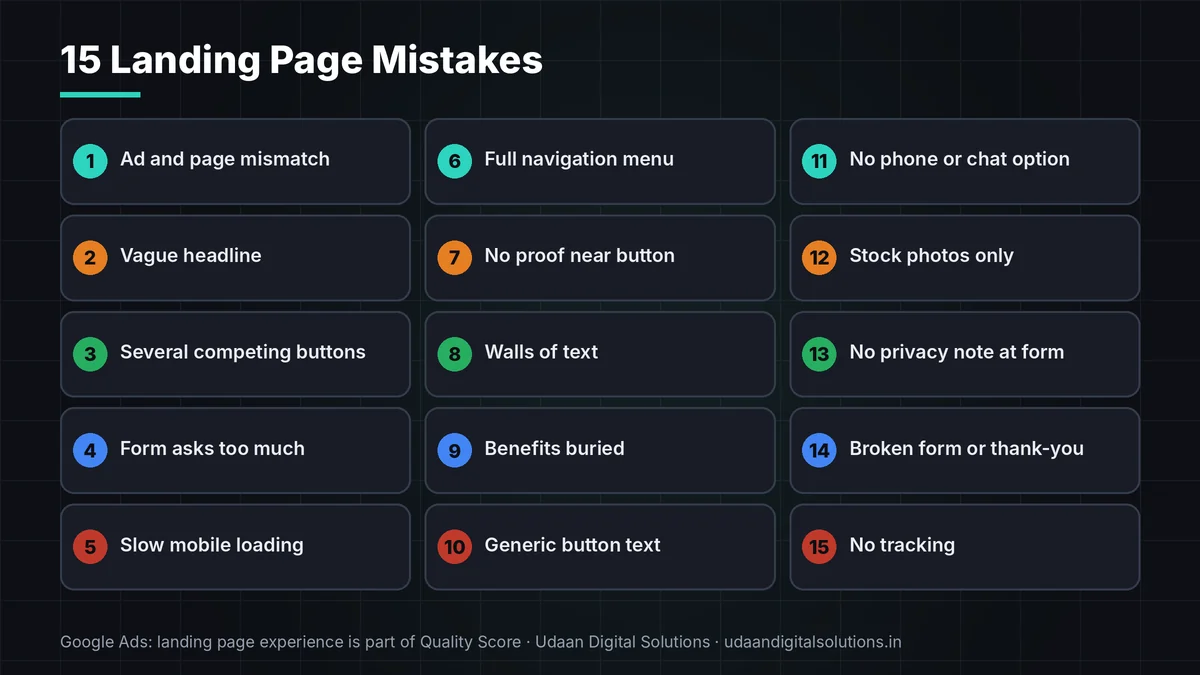
15 landing page mistakes and the fix for each
Tick the landing page mistakes you recognise. Fix the first three before anything else.
| # | Landing page mistake | What it costs you | Plain fix |
|---|---|---|---|
| 1 | Ad and page do not match | Visitors feel they clicked the wrong thing | Repeat the ad’s promise in the page headline |
| 2 | Vague headline | People cannot tell what you offer | Say what, for whom and where in one line |
| 3 | Several competing buttons | Choices freeze people | Pick one main action |
| 4 | Form asks for too much | Effort rises, so fewer finish | Ask only what you need to reply |
| 5 | Slow mobile loading | Visitors leave before the offer shows | Compress images and test on a real phone |
| 6 | Full navigation menu | Invites visitors to wander off | Remove or reduce menu links on ad pages |
| 7 | No proof near the button | Claims feel empty | Add genuine reviews and real work near the form |
| 8 | Walls of text | Hard to scan on a phone | Use short lines, headings and lists |
| 9 | Benefits buried | Visitors do not see why you | Lead with outcomes, then features |
| 10 | Weak or generic button text | Unclear what happens next | Use a specific action such as Get a quote |
| 11 | No phone or chat option | Some buyers prefer to talk | Add tap-to-call or messaging |
| 12 | Stock photos only | Feels generic | Use real photos of your team and work |
| 13 | No privacy information at the form | Unclear what happens to data | Link a plain privacy page by the form |
| 14 | Broken form or thank-you page | Leads are lost silently | Test every form weekly and confirm delivery |
| 15 | No tracking | You cannot tell what works | Track form sends, calls and chats by source |
Worked example of a message mismatch
This example is invented. An ad says “Free quote within 24 hours for gutter cleaning”. The landing page headline says “Welcome to our home services company” and shows a menu of ten services. A visitor who wanted a gutter quote must hunt for it. This is one of the most common landing page mistakes.
The fix is small. Change the headline to “Free gutter cleaning quote within 24 hours”, remove the menu, keep a three-field form and put a real before-and-after photo beside it. Then test the change for a fixed period and compare enquiries, not clicks. Results will vary, and no change guarantees more leads.
5 landing page mistakes to fix first
These matter most when traffic costs money.
Message mismatch
If the page does not echo the ad, visitors assume they are in the wrong place. Repeat the exact promise in the headline.
Too many choices
Several buttons, links and offers compete with the one action you want. Cut everything that does not support it.
A form that asks too much
Every extra field adds effort. Ask only what you need to reply, and say what happens next.
Want a landing page review?
Udaan Digital Solutions can review your page, form and tracking and suggest fixes. We promise no leads or sales.
Talk to Our Team See Pricing →Slow mobile loading
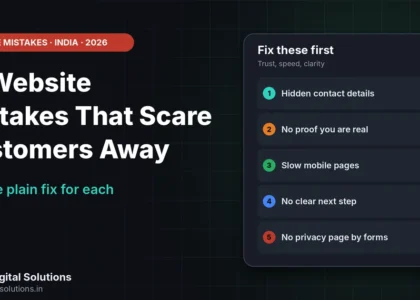
Most ad clicks come from phones. Test with Search Console or PageSpeed. See 15 website mistakes that scare customers away for more.
No tracking
If you cannot see form sends and calls by source, you cannot improve. For ad budgets, see facebook ads for UK local businesses and Google Ads vs SEO for service businesses.
Privacy and consent on landing pages
If your page collects personal data, link a plain privacy notice next to the form. If you plan to send marketing emails or texts to people in the UK, the ICO’s guidance says you generally need specific opt-in consent, with a limited soft opt-in for existing customers and an opt-out in every message. The ICO notes that guidance is under review because of the Data (Use and Access) Act. Rules differ by country, so ask a qualified adviser. This is not legal advice.
Landing page mistakes checklist
Tick each line to confirm you avoid these landing page mistakes.
- Match: Headline repeats the ad’s promise.
- Action: One main button.
- Form: Only essential fields.
- Speed: Mobile load tested.
- Proof: Real reviews and photos near the form.
- Privacy: Notice linked by the form.
- Delivery: Form and thank-you page tested weekly.
- Tracking: Sends, calls and chats counted by source.
Frequently asked questions: landing page mistakes
What are the most common landing page mistakes?
Message mismatch with the ad, a vague headline, too many choices, a long form, slow mobile loading, no proof and no tracking. Fix the match and the single action first, then speed, proof and tracking.
How long should a landing page form be?
Ask only what you need to reply. Each extra field adds effort. A name plus one contact method and a short question is a common start. Test changes one at a time and compare enquiries over a fixed period.
Does landing page quality affect Google Ads?
Google Ads rates landing page experience as part of Quality Score, based on how relevant and useful the page is to people who click. Google calls Quality Score a diagnostic tool, not an auction input or key performance indicator.
Should a landing page have a menu?
Often not. A full menu offers exits when you want one action. Many ad pages remove or reduce menu links. Test it, because the right answer depends on your offer and audience.
How do I know which landing page mistakes I have?
Compare the ad and headline, test the page on a phone, submit the form yourself and check that the lead arrives. Then review tracking by source. Ask someone unfamiliar with your business to find the next step in five seconds.
Can I email people who fill in my form?
Only in line with local rules. For the UK, the ICO says marketing emails generally need specific opt-in consent, with a limited soft opt-in for existing customers and an opt-out in every message. Check current guidance and ask an adviser.
Related reading and sources
- Google Ads Help: Quality Score and landing page experience
- web.dev: Web Vitals
- ICO: Electronic mail marketing
- 15 Website Mistakes That Scare Customers Away
- Google Ads vs SEO for Service Businesses in the USA
- UDS pricing
Final verdict
Landing page mistakes kill leads when the page does not match the ad, offers too many choices, asks too much, loads slowly or shows no proof. Fix message match and one clear action first, then speed, proof, privacy and tracking, and judge by enquiries, not clicks. Udaan Digital Solutions, Greater Noida, can review your page: +91 7042278448.
Get a landing page review
Share your page and ad, and we will point out the fixes to test first.
Contact Udaan Digital Solutions © 2026 Udaan Digital Solutions · Greater Noida, Uttar Pradesh, India · udaandigitalsolutions.in
Google, web.dev and ICO pages were read on 30 October 2026 and can change. The worked example is invented for illustration. This article is general information, not legal advice. We promise no leads or sales.