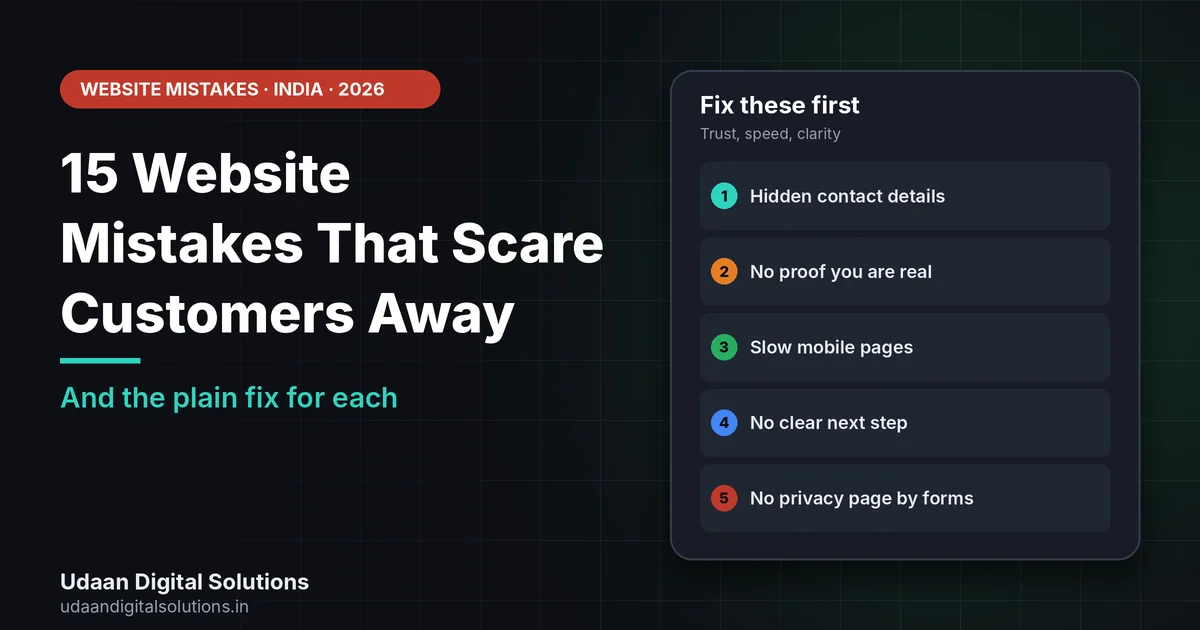
The website mistakes that scare customers away are usually basic: slow mobile pages, no clear offer, hidden contact details, no proof, broken links and no obvious next step. Google says trust is the most important part of E-E-A-T, so fix what makes a stranger doubt you first, then speed, then design.
A visitor decides in seconds whether your site feels safe and useful. This guide lists 15 website mistakes that scare customers away, explains why each one hurts, and gives a plain fix you can start today, with Google’s own guidance as the yardstick.
Why website mistakes cost you customers
Google’s guidance on helpful content says that trust is the most important part of E-E-A-T. It lists clear sourcing, bylines that link to author information and an About page as helpful trust signals. It also says core ranking systems reward an overall great page experience.
For a small Indian business, that translates into a simple test: would a stranger feel safe giving you their phone number or money? Most website mistakes on this list fail that test in some way. They hide who you are, slow the page, confuse the next step or look neglected.
Speed has numbers. Google’s web.dev says a good Largest Contentful Paint is 2.5 seconds or less, a good Interaction to Next Paint is 200 milliseconds or less and a good Cumulative Layout Shift is 0.1 or less, judged at the 75th percentile of visits. If your visitors are mostly on mobile, check these first.
15 website mistakes and how to fix them
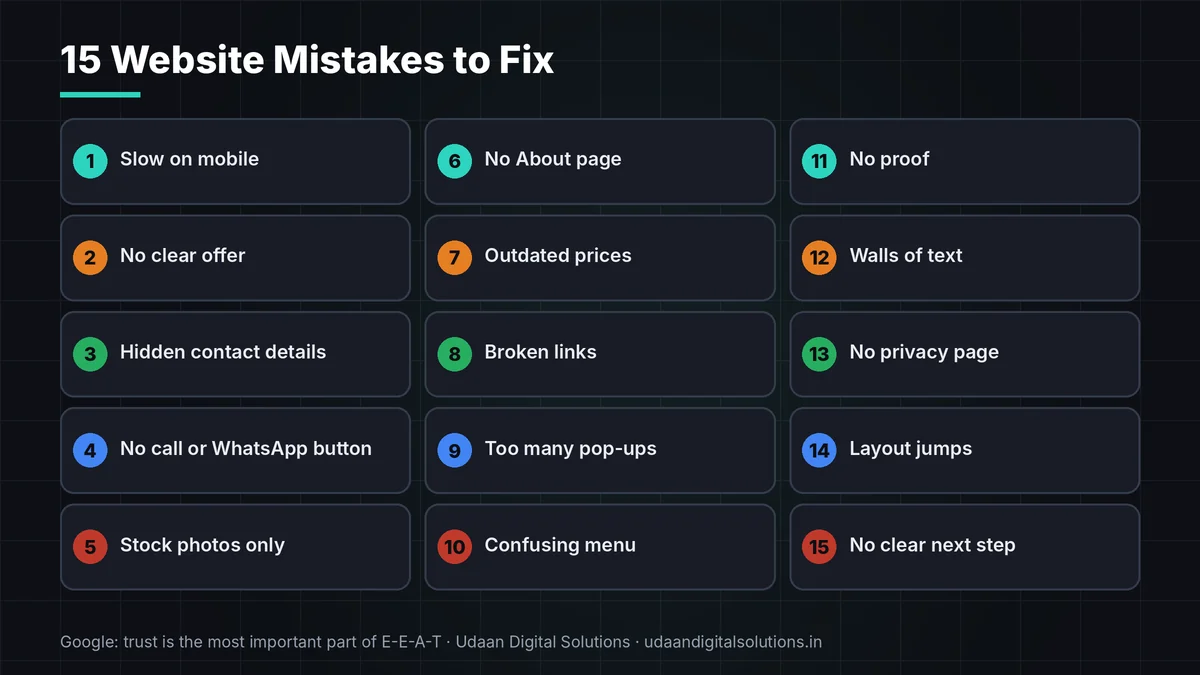
Scan this list and tick the ones you recognise. Start with the first five you ticked.
| # | Website mistake | Why it scares customers | Plain fix |
|---|---|---|---|
| 1 | Slow loading on mobile | Visitors leave before they see the offer | Compress images, trim plugins and test on a real phone |
| 2 | No clear offer above the fold | People cannot tell what you do | State service, place and next step in the first screen |
| 3 | Hidden contact details | Buyers cannot reach you | Put phone, WhatsApp and address in the header and footer |
| 4 | No WhatsApp or call button on mobile | Most Indian visitors are on phones | Add a tap-to-call and a WhatsApp link |
| 5 | Stock photos only | Looks generic and untrustworthy | Use real photos of your shop, team and work |
| 6 | No About page or owner name | Strangers do not know who is behind it | Add a short About page with names and location |
| 7 | Outdated prices or offers | Customers lose trust at once | Review key pages every month |
| 8 | Broken links and 404 pages | Looks neglected | Run a link check and fix or redirect |
| 9 | Too many pop-ups | Interrupts reading and annoys people | Use one polite prompt, not several |
| 10 | Confusing menu | Visitors cannot find what they want | Keep five to seven clear menu items |
| 11 | No proof | Claims feel empty | Show genuine reviews, real jobs and named clients with permission |
| 12 | Walls of text | Hard to scan on a phone | Use short paragraphs, headings and lists |
| 13 | No privacy page near forms | Unclear what happens to personal data | Publish a plain privacy page and link it by the form |
| 14 | Layout that jumps while loading | Visitors tap the wrong thing | Reserve space for images and ads |
| 15 | No clear next step | Visitors browse and leave | Give every page one main button |
5 website mistakes to fix this week
If you only have time for five, fix these. They affect trust and action the most.
Hidden or missing contact details
A site that does not show how to reach you feels risky. Put your phone number, WhatsApp link and address where people look first.
No proof that you are real
Claims without evidence feel empty. Use real photos, genuine reviews and the owner’s name. Never invent testimonials.
Slow mobile pages
Check your Core Web Vitals in Search Console. Our guide on setting up Search Console for WordPress shows how.
Want a website review?
Udaan Digital Solutions can check your site against this list and tell you what to fix first. We promise no rankings or leads.
Talk to Our Team See Pricing →No clear next step
Every page should have one main action: call, message or book. Too many choices freeze people.
No privacy page near forms
If you collect names and numbers, say what you do with them. India’s DPDP Rules were notified in November 2025 with a phased rollout, per law-firm summaries. Ask a lawyer what applies to you.
Do website mistakes hurt your search visibility too?
They can. Slow or unstable pages, thin content and weak trust signals do not help, and a site that confuses visitors wastes the traffic you do earn. If your site is not appearing in search at all, read why your website is not ranking on Google. If it gets visits but no enquiries, see why a website gets traffic but zero leads.
For local shops, an accurate Google listing matters as much as the site. Our Google Business Profile guide covers it. UDS lists website development at ₹15,000, ₹35,000 and ₹75,000+ (read 24 October 2026), so fixing the worst website mistakes on your current site may cost less than a rebuild. Ask for a review first.
Website mistakes checklist
Tick each line to confirm your site avoids these website mistakes.
- Contact: Phone, WhatsApp and address visible.
- Offer: What you do and where is clear at once.
- Proof: Real photos and genuine reviews.
- Speed: Mobile pages tested.
- Links: No broken links.
- Privacy: Privacy page near forms.
- Action: One main button per page.
- Fresh: Prices and offers reviewed monthly.
Frequently asked questions: website mistakes
What are the most common website mistakes small businesses make?
Hidden contact details, slow mobile pages, no clear offer, no proof, broken links and no obvious next step. Fix the ones that make a stranger doubt you first. Google says trust is the most important part of E-E-A-T.
How fast should my website load?
Google's web.dev calls a Largest Contentful Paint of 2.5 seconds or less good, with Interaction to Next Paint of 200 milliseconds or less and Cumulative Layout Shift of 0.1 or less, at the 75th percentile. Test on a real phone.
Do I need an About page?
Yes. Google lists an About page, clear sourcing and author information as helpful trust signals. Name the owner, say where you are based and what you do. Real names and photos make strangers more comfortable.
Can I use stock photos?
Sparingly. Real photos of your shop, team and work build more trust than generic images. Never use images that imply work or customers you do not have. Compress every image so it does not slow the page.
Do website mistakes affect my Google ranking?
They can. Google says its ranking systems reward good page experience and helpful, trustworthy content. Fixing slow pages, thin content and weak trust signals supports search, but no change guarantees a ranking.
Should I rebuild my website or fix it?
Review first. Many problems, such as contact details, speed and clarity, can be fixed without a rebuild. Rebuild only when the structure cannot support what you need. Ask for a written review before you decide.
Related reading and sources
- Google Search Central: Creating helpful content
- web.dev: Web Vitals
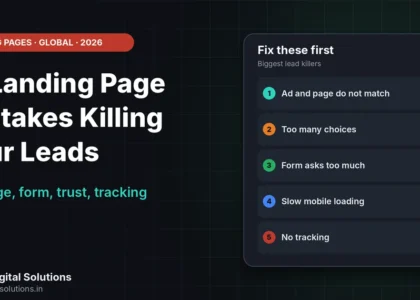
- 15 Landing Page Mistakes Killing Your Leads
- Why Your Website Gets Traffic but Zero Leads
- Why Is My Website Not Ranking on Google?
- UDS pricing
Final verdict
The website mistakes that scare customers away are mostly about trust, speed and clarity. Show real contact details and proof, speed up mobile pages, make the offer and next step obvious, and publish a privacy page near forms. Fix the first five this week. Udaan Digital Solutions, Greater Noida, can review your site: +91 7042278448.
Get a website review
Share your site, and we will point out the website mistakes to fix first.
Contact Udaan Digital Solutions © 2026 Udaan Digital Solutions · Greater Noida, Uttar Pradesh, India · udaandigitalsolutions.in
Google and web.dev pages were read on 30 October 2026 and can change. Udaan Digital Solutions prices were read on 24 October 2026. GST treatment is not stated. DPDP details come from law-firm summaries and are not legal advice. We promise no rankings or leads.