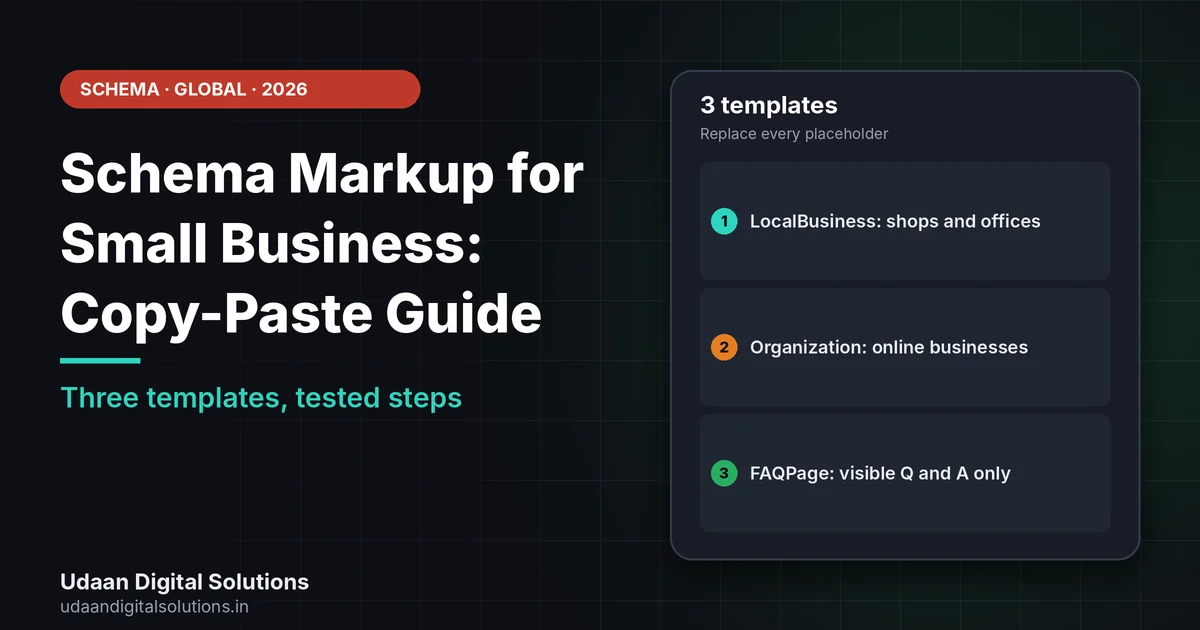
Schema markup for small business sites is a block of JSON-LD that labels your business details. Copy a template, replace every placeholder with real details that are visible on the page, paste it once into the right page, and test it in Google’s Rich Results Test. Google does not guarantee rich results from any markup.
You do not need to be a developer to label your business for Google. This guide gives copy-paste templates for schema markup for small business sites, explains where each belongs in WordPress, and shows how to test them, using Google’s documentation read on 30 October 2026.
What should schema markup for small business sites include?
Google’s LocalBusiness documentation lists address and name as required properties, and recommends openingHoursSpecification, telephone, url, geo and priceRange among others. It says to use JSON-LD and the most specific LocalBusiness subtype that fits, such as Restaurant or DaySpa. Its Organization documentation says there are no required properties, and that markup belongs on your home page or an About page, not on every page.
Google’s general guidelines say to mark up only content users can see, keep information current and never include fake reviews. Violations can lead to a manual action. So the rule for schema markup for small business sites is simple: every value you paste must also appear on the page, and be true.
If you are new to the idea, start with our schema markup for beginners guide, then come back for the templates.
Which template does your business need?
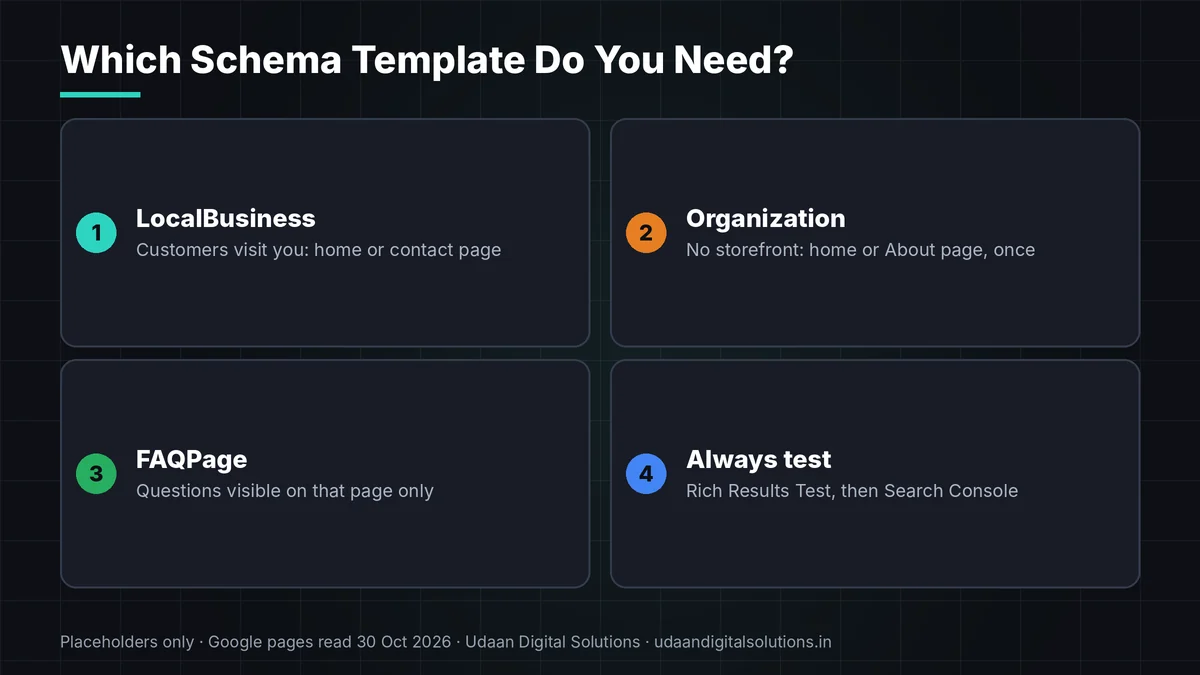
For schema markup for small business, pick by what your business is, not by what looks longest.
| Your situation | Template | Paste it on |
|---|---|---|
| Shop, clinic, studio or office customers visit | LocalBusiness or a subtype | Home page or contact page, once per location |
| Online business, or you travel to customers | Organization | Home page or About page, once |
| A page that shows questions and answers | FAQPage | That page only |
Template 1: LocalBusiness for schema markup for small business sites
Use this if customers visit you. Replace the type with a more specific subtype where one fits, such as Dentist, Plumber or Restaurant. Update the hours to match your listing, and keep the address identical to your Google Business Profile.
{
"@context": "https://schema.org",
"@type": "LocalBusiness",
"name": "Your Business Name",
"url": "https://www.example.com/",
"telephone": "+1-555-000-0000",
"image": "https://www.example.com/shopfront.jpg",
"priceRange": "$$",
"address": {
"@type": "PostalAddress",
"streetAddress": "123 Main Street",
"addressLocality": "Your Town",
"addressRegion": "ST",
"postalCode": "00000",
"addressCountry": "US"
},
"openingHoursSpecification": [
{
"@type": "OpeningHoursSpecification",
"dayOfWeek": ["Monday", "Tuesday", "Wednesday", "Thursday", "Friday"],
"opens": "09:00",
"closes": "17:00"
}
]
}
</script>
Template 2: Organization for online or travelling businesses
Use this if you have no storefront. Add only profiles you actually run, and make sure the logo URL works.
{
"@context": "https://schema.org",
"@type": "Organization",
"name": "Your Business Name",
"url": "https://www.example.com/",
"logo": "https://www.example.com/logo.png",
"contactPoint": {
"@type": "ContactPoint",
"telephone": "+1-555-000-0000",
"contactType": "customer service"
},
"sameAs": [
"https://www.facebook.com/yourpage",
"https://www.linkedin.com/company/yourpage"
]
}
</script>
Template 3: FAQPage, with a 2026 note
Google’s FAQ documentation says the FAQ rich result is no longer shown in Google Search results, deprecated in May 2026. The markup can still describe your questions and does no harm if it matches the page, but do not expect a rich result. Only use it where the questions and answers are visible.
{
"@context": "https://schema.org",
"@type": "FAQPage",
"mainEntity": [
{
"@type": "Question",
"name": "Your question exactly as shown on the page?",
"acceptedAnswer": {
"@type": "Answer",
"text": "Your answer exactly as shown on the page."
}
}
]
}
</script>
5 steps to add schema markup for small business sites
Follow these steps for each schema markup for small business template.
Check what already exists
Many SEO plugins add schema by default. Run Google’s Rich Results Test on your page first, so you do not paste a duplicate.
Replace every placeholder
Change the name, address, phone, hours and URLs to your real details. Delete any property you cannot fill truthfully.
Paste it in the right place
In WordPress, use your SEO plugin’s schema settings, or add a Custom HTML block on that page. Google’s examples place JSON-LD in the page head, and either approach is read.
Want us to set up your schema?
Udaan Digital Solutions can audit and add schema for your site, and report in plain English. We work with clients worldwide and promise no rankings or rich results.
Talk to Our Team See Pricing →Test it
Run the Rich Results Test, then use URL Inspection in Search Console to confirm Google found it. Fix any errors it lists.
Keep it current
Opening hours change, phone numbers change. Stale markup misleads users, which Google’s guidelines warn against.
Mistakes to avoid with schema markup for small business sites
With schema markup for small business, the common ones: fake or self-written reviews marked up as ratings, which Google’s guidelines warn against; values that do not match the page; the same markup pasted on every page; and two copies running at once, one from a plugin and one pasted by hand. For local businesses, also keep your Business Profile and markup consistent. Our local SEO for small towns guide covers the profile side.
If you outsource schema markup for small business, ask what schema was added and why, and where it lives. Our guide on SEO outsourcing to India for US small businesses lists questions to ask.
Schema markup for small business sites checklist
Tick each line for your schema markup for small business.
- Existing: Current schema tested first.
- Placeholders: All replaced with real details.
- Visible: Every value appears on the page.
- Once: Added once, on the right page.
- Reviews: No fake ratings.
- Test: Rich Results Test passed.
- Consistent: Matches your Business Profile.
- Fresh: Hours and contact reviewed regularly.
Frequently asked questions: schema markup for small business
What schema markup should a small business use?
For schema markup for small business, usually LocalBusiness or a specific subtype if customers visit you, or Organization if not. Add FAQPage only where questions are visible. Mark up only true, visible details and add each type once, on the page it describes.
Where do I paste JSON-LD in WordPress?
Use your SEO plugin's schema settings if it offers them, or a Custom HTML block on that page. Add business markup to your home or contact page, not every page. Check for duplicate schema from a plugin first.
Will schema markup get me rich results?
Not necessarily. Google says it does not guarantee that features using structured data will show up. Valid markup makes you eligible for some features, but results depend on Google's systems.
Is FAQ schema still worth adding?
Google says FAQ rich results are no longer shown in Search, since May 2026. The markup does no harm if it matches visible content, but do not add it expecting a rich result.
How do I test my markup?
Paste your page URL into Google's Rich Results Test, fix any errors, then use Search Console's URL Inspection and rich result reports. Retest after theme or plugin updates, because they can break or duplicate markup.
Can I add reviews to my schema?
Only genuine ones that are visible on the page. Google's guidelines warn against fake reviews and markup that misleads users, and violations can lead to a manual action. When in doubt, leave review markup out.
Related reading and sources
- Google Search Central: LocalBusiness structured data
- Google Search Central: Organization structured data
- Google Search Central: Structured data guidelines
- Schema Markup for Beginners
- Local SEO for Small Towns
- SEO Outsourcing to India for US Small Business
Final verdict
Schema markup for small business sites comes down to copying a template, replacing every placeholder with true details that are visible on the page, pasting it once into the right page and testing it. Google does not guarantee rich results, and FAQ rich results ended in 2026. Udaan Digital Solutions, Greater Noida, can help: +91 7042278448.
Get a schema audit
Share your site, and we will check your schema and add what is missing.
Contact Udaan Digital Solutions © 2026 Udaan Digital Solutions · Greater Noida, Uttar Pradesh, India · udaandigitalsolutions.in
Google pages were read on 30 October 2026 and can change. The code templates use placeholder values only. This article is general information. We promise no rankings or rich results.